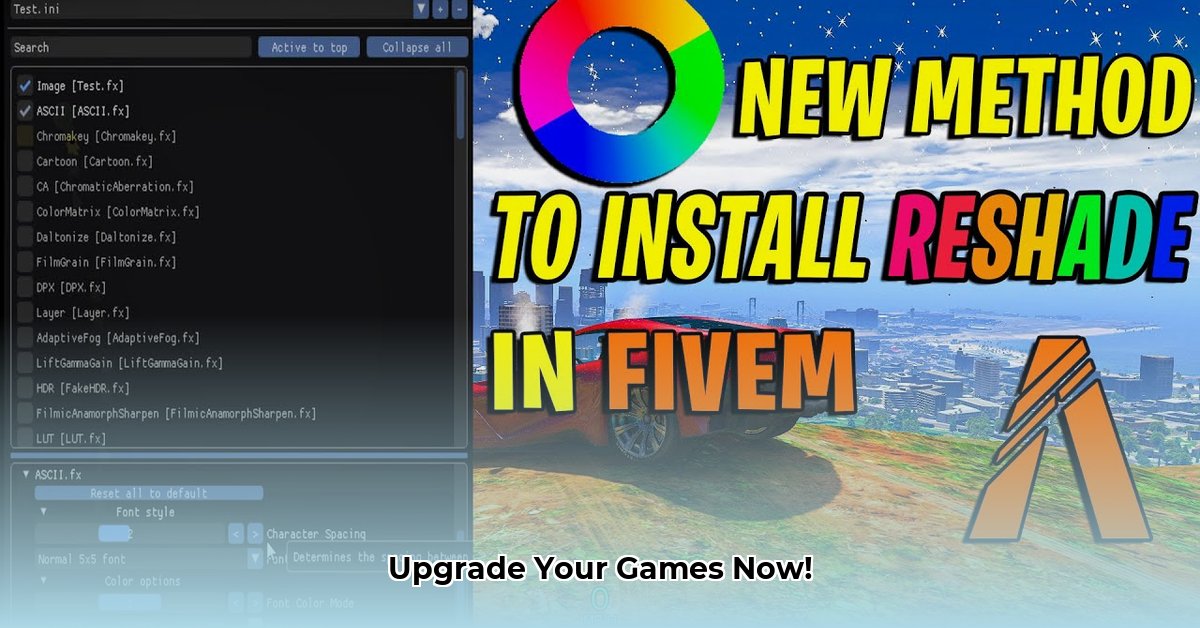
Want to dramatically improve your gaming visuals? ReShade 5.9.1, a free and open-source tool, lets you add stunning effects to your games, from vibrant colors to realistic lighting. This guide provides a step-by-step walkthrough for downloading, installing, and troubleshooting ReShade 5.9.1, ensuring a smooth and visually enhanced gaming experience.
Downloading and Installing ReShade 5.9.1
Before you begin, remember to always download ReShade from the official website (https://reshade.me/) to avoid malware. This is crucial for a safe and secure installation.
Download ReShade: Visit the official ReShade website and download the latest installer (5.9.1 or a compatible version if necessary, older systems may require older versions).
Locate Your Game's Executable: Find the
.exefile that launches your game. This is typically located in the game's installation directory.Run the ReShade Installer: Execute the downloaded installer. Select the game's
.exefile when prompted. This links ReShade to your chosen game.Choose Graphics APIs: Select the appropriate graphics APIs (DirectX 9, 10, 11, 12, OpenGL, or Vulkan) used by your game. If unsure, selecting all compatible APIs is generally safe, although this may increase the likelihood of incompatibility problems.
Select Shaders (Optional): The installer offers a selection of pre-made shaders. Feel free to choose some or skip this for now; you can always add more later.
Launch Your Game: Finally, run your game. A ReShade interface usually appears during the loading screen (if it doesn't, double-check your installation).
Configuring ReShade for Optimal Performance
ReShade provides a user-friendly interface to adjust various effects. Experiment with different settings to find the perfect balance between visual enhancements and performance. Remember that more intense effects often consume more system resources, potentially reducing your frames per second (FPS).
- Effect Intensity: Adjust the intensity slider for each effect to fine-tune the visual impact.
- Shader Selection: Choose shaders compatible with your game and hardware. Heavier shaders demand more processing power.
- Performance Monitoring: Monitor your FPS during gameplay and adjust settings accordingly. If performance dips are noticeable, reduce effect intensity or even disable certain shaders.
Troubleshooting Common Issues
Despite its user-friendliness, some issues may arise. Here's how to address them:
Game Crashes: Excessive effects or driver incompatibility can cause crashes. Reduce the number of shaders, lower effect intensity, or update your graphics drivers. Remember to also check the game's compatibility with the ReShade version you are using.
Performance Problems (Low FPS): Similar to crashes, this is usually caused by resource overload. Reduce the number of active and the intensity of effects, adjust in-game settings, or consider upgrading your hardware.
Visual Glitches: These often indicate shader conflicts or compatibility problems. Try disabling one shader at a time to identify which causes trouble. Be sure that the versions of the shaders and the shaders themselves are compatible with the ReShade version used.
Utilizing Preset Shaders: A Quick Path to Great Visuals
To simplify the process, explore online repositories (such as Nexus Mods) offering pre-made shader presets. These are ready-to-use configurations carefully designed to enhance various games, eliminating the need to fine-tune settings manually. Remember, always download from reputable sources to ensure safety and security.
Safety and Security: Best Practices
Always download ReShade from the official website. This is critical to avoid malicious software. Additionally, be aware of your game's terms of service regarding the use of modification tools like ReShade, especially in online multiplayer modes. As mentioned before, some games consider modifications such as this to constitute cheating and can lead to a ban.
Conclusion
ReShade 5.9.1 offers a fantastic way to enhance your gaming experience with minimal effort. By following this guide, you can easily install, configure, and troubleshoot ReShade to enjoy stunning visuals without compromising performance significantly. Remember to always prioritize safety and legality when utilizing modification tools.
⭐⭐⭐⭐☆ (4.8)
Download via Link 1
Download via Link 2
Last updated: Monday, April 28, 2025